Most gym tour videos are fast montages of empty equipment. They show that the facility owns machines but hide the questions that decide whether a prospect will actually visit: Where is the entrance? How crowded is it? Who helps beginners? What is included? What happens next?
A pre-qualifying gym tour video follows the prospect’s visit in order, shows representative operating conditions, explains who the gym fits and what the service includes, and directs the viewer to one current next step.
The goal is not to make every viewer enquire. It is to help suitable prospects arrive with fewer surprises and unsuitable prospects make an informed decision.
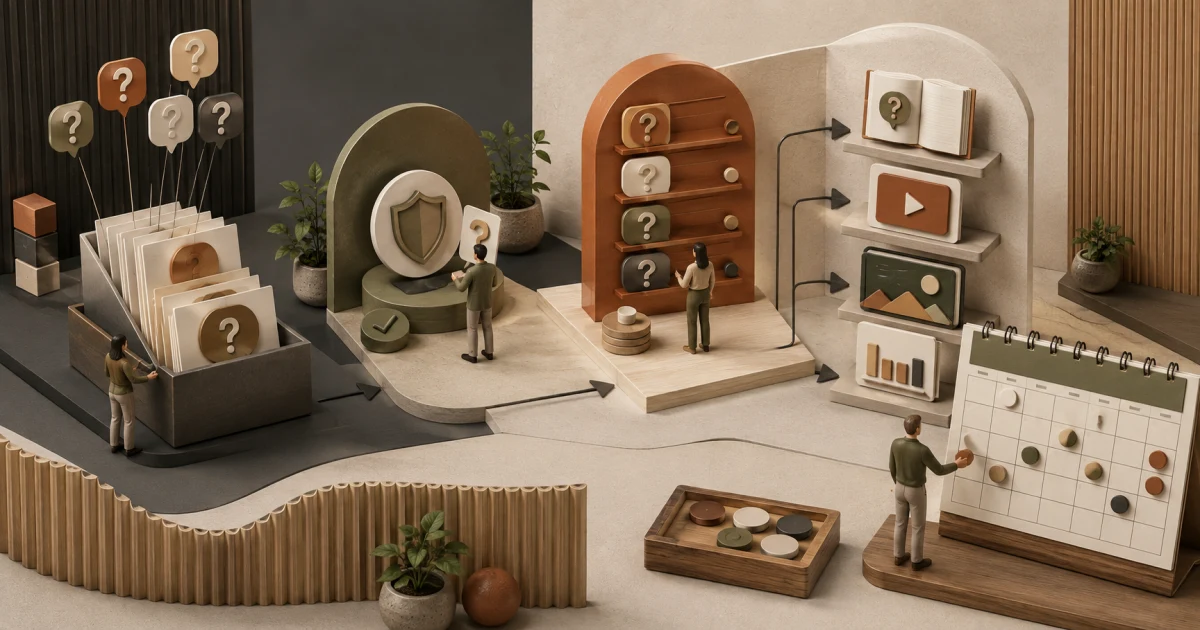
Write the questions before the shot list
Use questions from the gym content strategy:
- How do I find the entrance?
- Is there parking or a public-transport route?
- What happens at reception?
- Is the floor intimidating for a beginner?
- Which equipment or zones can I access under my plan?
- Are trainers present, and what help is included?
- What are the changing, storage, hygiene, and accessibility arrangements?
- How does the space feel at my likely visit time?
- Do I need to book before arriving?
If the video cannot answer an important question accurately, link to the current page that can.
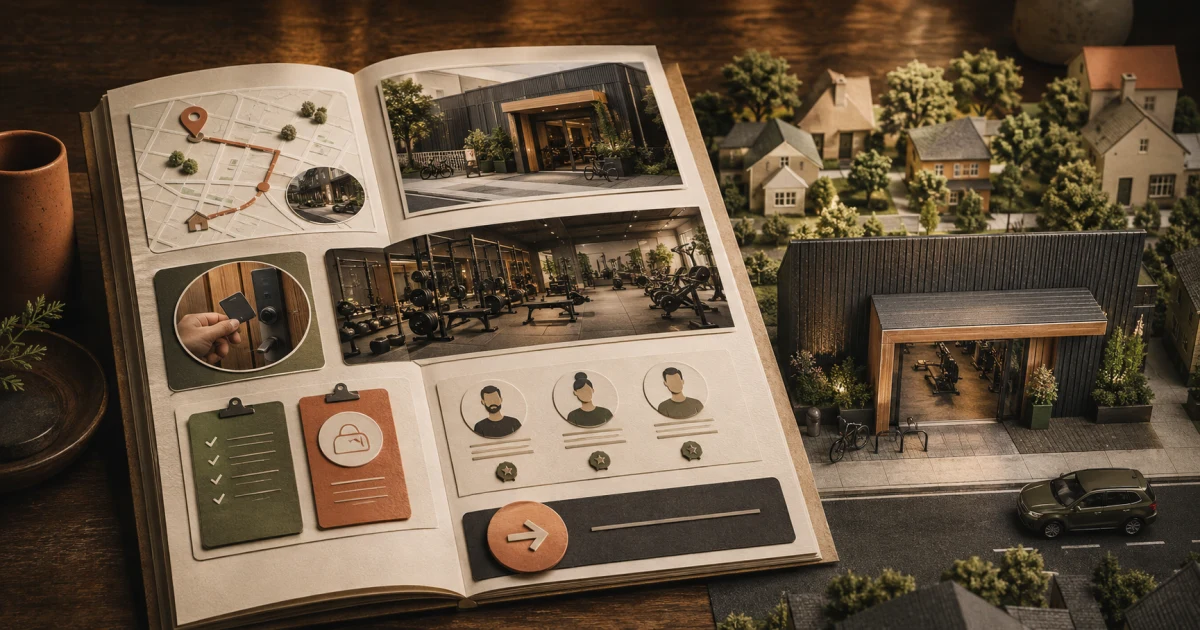
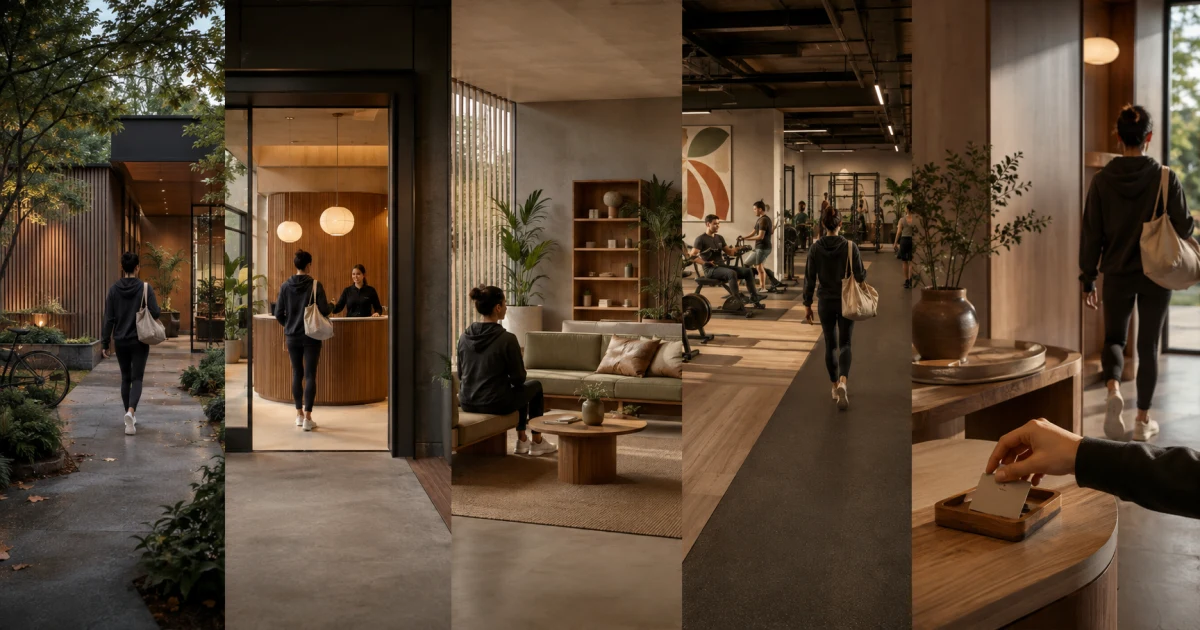
Use a seven-part tour script
| Sequence | Visual | Spoken answer | Verification |
|---|---|---|---|
| 1. Orientation | Street, landmark, sign, entrance | Exact location and how to enter | Address and route checked |
| 2. Arrival | Parking, stairs or lift, reception | What a first-time visitor does | Current access process |
| 3. Atmosphere | Representative floor view | Who commonly uses the space and when | No staged false claim |
| 4. Training zones | Relevant equipment and layout | What each zone supports | Equipment exists and is available as stated |
| 5. Coaching | Trainer and safe demonstration | Help included versus separately booked | Plan entitlement checked |
| 6. Practical details | Storage, changing, water, hygiene, accessibility | What is and is not available | Current facility check |
| 7. Next step | Reception or booking screen without personal data | Who should enquire and how | Destination tested |
The sequence mirrors the physical visit. That makes it easier to follow than a random montage.
Sample voiceover framework
Adapt this to the actual gym:
“This is the entrance to our fictional Park View Strength Studio, opposite the east gate. First-time visitors check in at reception, where we confirm the booked tour and explain the floor rules. The main strength area is here. It is usually busiest between 6:30 pm and 8 pm, so we are showing part of that period rather than only an empty room. Floor guidance and booked personal coaching are different services; the current plan page explains what is included. Lockers are available during the visit, but there are no showers. If that setup fits what you need, use the visit page to see today’s hours and request a tour.”
This fictional script is not an industry benchmark. Its value comes from the boundaries, not the adjectives.
Show peak-time reality honestly
An empty, perfectly staged floor may be visually clean but misleading for a prospect who will attend after work. Capture at least one representative operating period when it is safe and permissions are controlled. You can also state that crowding changes by day and time and show the timetable or live process used to manage it.
Do not promise “never crowded” unless the gym can define and support that claim. Do not fill the floor with hired people to imply demand. If a quiet shoot is necessary for privacy, say that it was filmed outside normal hours and describe peak-time conditions separately.
Use the gym photo shot list to keep still images and the tour consistent.
Protect privacy during filming
Before the shoot:
- define the filming zone and time;
- notify staff and affected members appropriately;
- obtain appropriate permission for recognisable participants;
- provide a reasonable no-film route or record when the floor is closed;
- hide reception screens, attendance displays, member files, CCTV views, whiteboards, and personal messages;
- check mirrors and reflective surfaces;
- avoid recording private conversations;
- review every frame before publication.
Do not assume that a membership agreement or presence in the gym gives broad advertising permission. When children may appear, apply the gym’s safeguarding and guardian-approval process.
Record cleanly enough to be useful
Use stable, slow shots that let a viewer understand the layout. Hold each important area long enough to see it. Record speech near the microphone or capture voiceover in a quiet room. Avoid copyrighted background music unless the gym has the necessary rights for the intended channels.
Plan vertical and horizontal versions from the same shot list, but do not crop away critical access information. Add accurate captions. If the entrance route, step, lift, accessible path, or equipment layout is visually important and not described in speech, add a descriptive transcript or clear written explanation on the page.
Place the video on a useful page
The best destination is normally the real location or visit-planning page, not an isolated video URL. The page should still provide:
- address and map context;
- current regular and special hours;
- booking requirements;
- services and plan boundaries;
- arrival and accessibility details;
- an accurate thumbnail and video description;
- a transcript or equivalent useful written content;
- one working enquiry or visit action.
Use the gym location-page guide to keep the page useful beyond the video. Video markup can help search systems understand a watch page, but no markup guarantees a video result or citation.
Add a pre-publication accuracy walk
Play the finished cut while physically walking the route. Check:
- Sign, street, entrance, floor, and room order
- Hours and peak-time statement
- Staff presence and coaching entitlement
- Equipment and amenity availability
- Accessibility wording
- Pricing or plan references
- Member permissions and background privacy
- Caption accuracy
- Destination link and mobile playback
- Named owner and review trigger
Update the video or its surrounding page when the entrance, layout, hours, equipment, coaching model, facilities, or booking process changes. A polished stale tour is worse than a current simple one.
Measure pre-qualification
Track video plays and retention, but connect them to visit quality:
- clicks to visit details;
- qualified enquiries;
- booked and attended tours;
- repeated arrival or facility questions;
- prospects surprised by crowding, amenities, or inclusion;
- unsuitable enquiries that the video appropriately prevented;
- staff time spent repeating facts already covered;
- corrections or privacy incidents.
If views rise while arrival confusion and plan mismatch remain unchanged, the video is not doing its operational job.
Frequently asked questions
What should a gym tour video include?
Show the real entrance and arrival route, reception process, representative atmosphere, training zones, equipment access, coaching boundaries, practical amenities, accessibility details, peak-time context, and one current next step.
How long should a gym tour video be?
There is no universal ideal length. Make it long enough to answer the important visit and fit questions without repetitive footage. A short overview can link to a more complete location page or chaptered walkthrough.
Should gym tour videos show members working out?
Only with an appropriate permission and privacy process. A gym can film during a controlled period, use approved participants, provide a no-film route, or film an empty space and clearly explain representative peak-time conditions instead of implying attendance grants permission.