
Collections
Review money recorded as received over a chosen period. Payment method and transaction detail help when reconciling desk activity.
BUSINESS REPORTS
Review gym collections, membership trends, attendance and trainer reports in Gym Ledger. Use report exports for further review and accounting work.
See how it works ↓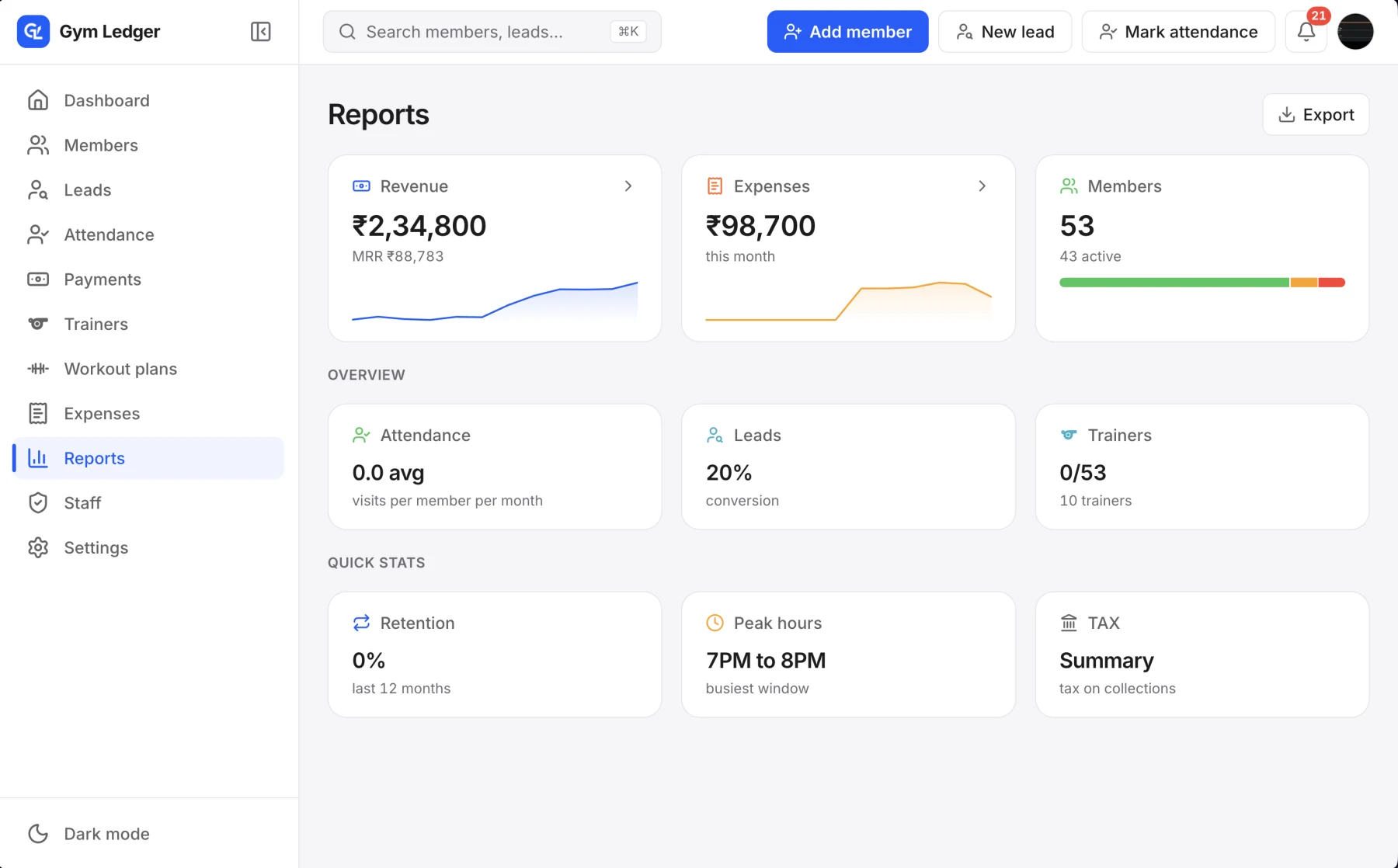
How much came in this month is different from how much membership value you sold. Likewise, an active membership count is different from visits this week. Gym Ledger separates these views so you can review the right figures, check the period and follow up on the underlying records.
Review money recorded as received over a chosen period. Payment method and transaction detail help when reconciling desk activity.
Review membership activity, revenue trends and renewal forecasts. A forecast is a planning view, not a promise that the money will be collected.
Look at visits, peak hours and member activity. Use the patterns to guide staffing and member conversations.
Review available trainer and GST reporting as relevant to your setup. Export supported reports for review outside the app.
Decide whether you need collected money, membership activity, attendance or another available report.
Select the relevant dates and review the report’s definition before comparing totals.
Use the underlying records and supported export to investigate a figure or share it with your accountant.
The owner chooses the relevant month and checks recorded payments by method. A difference from the bank balance prompts a review of transaction dates and records; it is not solved by treating every membership fee as cash already collected.
Financial reports and exports have separate staff permissions. Max adds the web dashboard for computer access. Gym Ledger reports collections and tracks expenses; it does not present an automatic profit figure.
Still deciding? Contact Us at +91 93920 47515.
No. Collections and expense records do not by themselves establish accounting profit. Review them with the other information your business needs.
Yes. The Max plan includes the web dashboard. Pro provides the mobile experience.
Only with the relevant permissions. Viewing financial reports and exporting data are separate owner-controlled permissions.
Explore the mobile app with a 10-day Pro trial, or ask us to walk through your daily work.