
Gym QR check-in
Display the gym’s QR code at the desk. Connected members scan it in the app to record their visit.
QR AND MANUAL ATTENDANCE
Record gym attendance with member QR check-in or authorised staff marking. Review visits and attendance patterns in Gym Ledger.
See how it works ↓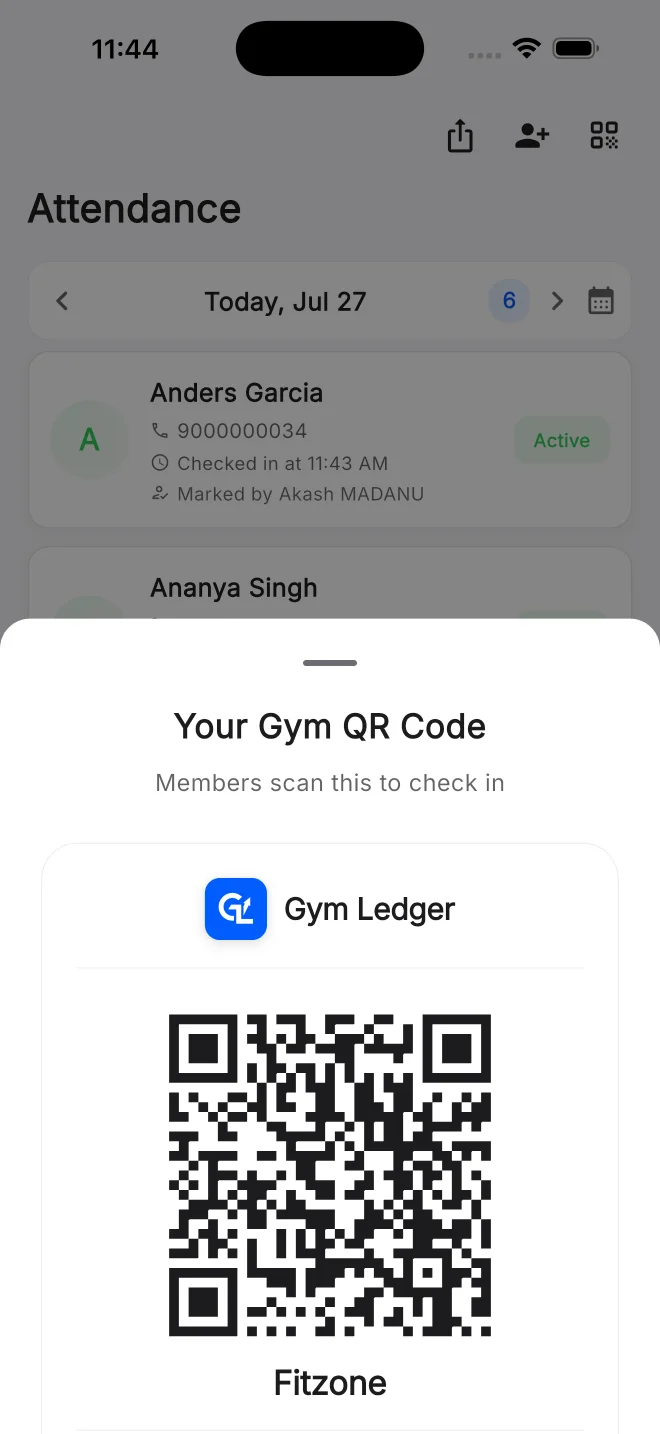
A busy evening does not tell you whether a particular member has stopped visiting. Digital attendance gives you a record to review by day or over time. Use it to ask better questions about a member’s routine, rather than assuming a missed week means they are leaving.
Display the gym’s QR code at the desk. Connected members scan it in the app to record their visit.
An authorised owner or staff member can mark attendance when a member cannot use the app. This keeps phone access from becoming the only way to record a visit.
Review recorded visits across days and members. Use the history when answering questions or checking attendance patterns.
Review peak hours and member activity in reports. These are signals for staffing and follow-up, not a guarantee of future renewals.
Make the gym’s attendance QR easy to find and explain which app members should use.
Members scan in the app, or authorised staff marks attendance at the desk.
Check attendance history and reporting before following up with someone whose routine has changed.
Staff with attendance permission marks the member present. Later, the owner reviews the day’s visits together with QR check-ins. The visit is still recorded without asking the member to install or charge a phone at the door.
QR self check-in requires the member app and a gym connection. Attendance marking has a separate staff permission. Biometric attendance is a different setup, available with supported hardware on Max.
Still deciding? Contact Us at +91 93920 47515.
Yes. Members use the app for QR self check-in. An authorised staff member can mark attendance when the member cannot use it.
Yes. QR check-in and staff marking provide attendance records without installing biometric hardware.
QR attendance records a visit. Do not treat it as a physical door access system. Supported biometric access has its own hardware and installation requirements.
Explore the mobile app with a 10-day Pro trial, or ask us to walk through your daily work.