A dramatic close-up of a dumbbell can look polished while telling a prospect almost nothing. They still do not know where to enter, whether the floor is crowded, what equipment exists, or how coaching feels.
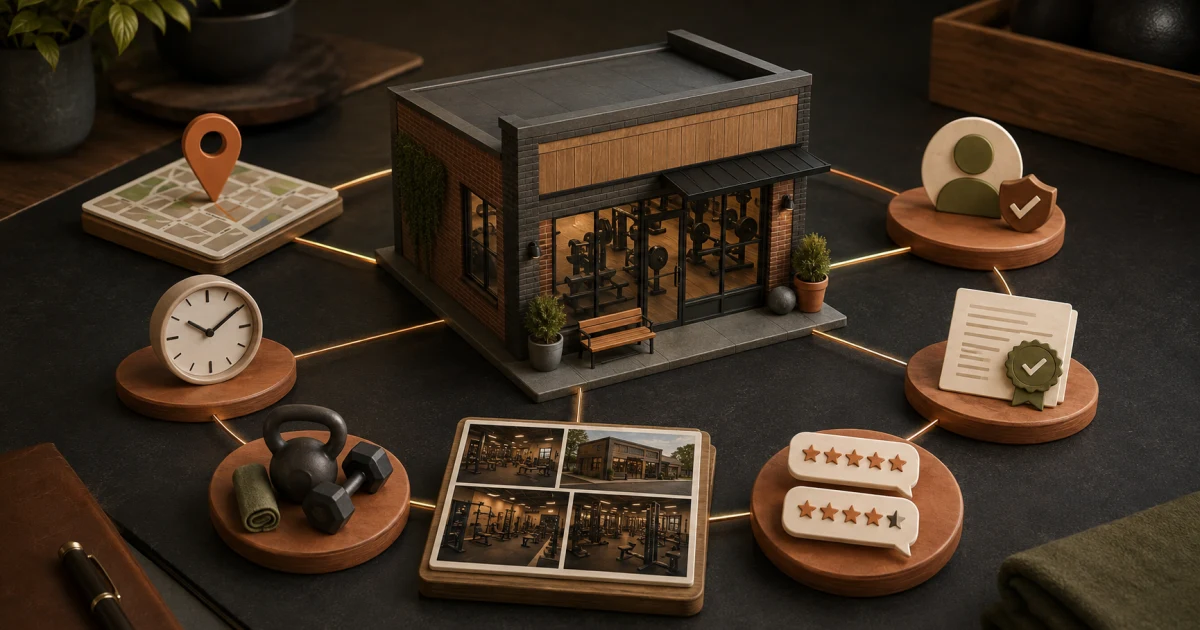
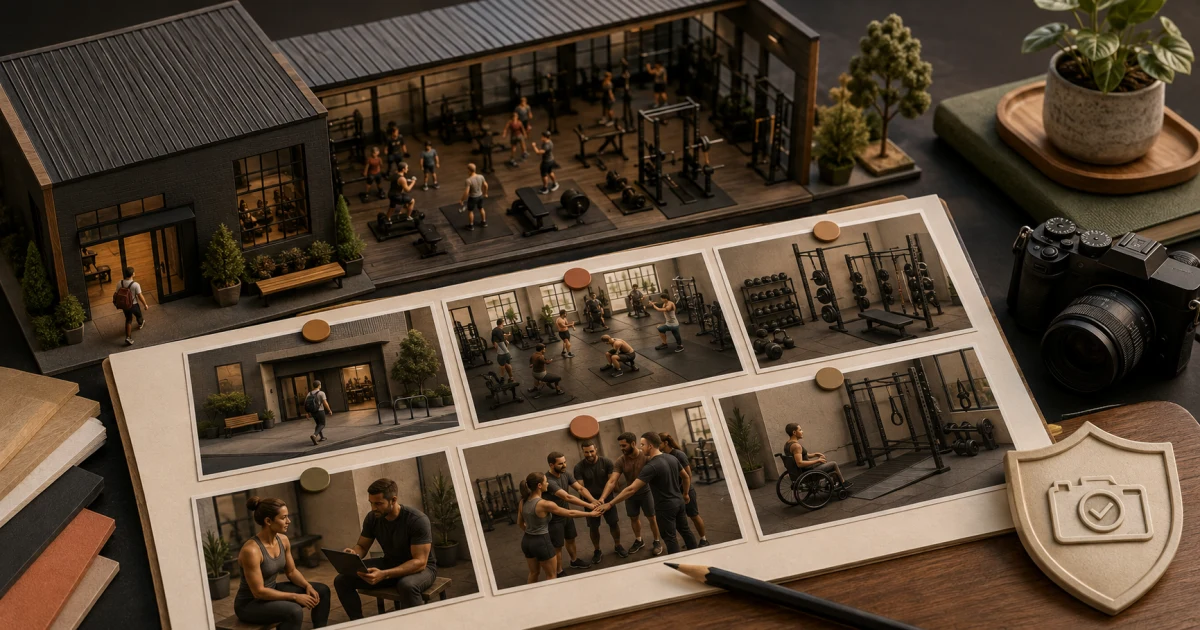
Build a gym photo library around the questions a first-time visitor needs answered. Show the real exterior, entrance, reception, training areas, equipment, team at work, amenities, accessibility, and different operating conditions. Use clear, current images and obtain appropriate permission before featuring recognisable people.
Turn prospect questions into a shot list
| Prospect question | Required shot | Capture note | Refresh trigger |
|---|---|---|---|
| How do I find the gym? | Exterior from each normal approach | Include permanent signage and landmarks | Signage, road, or entrance change |
| Where do I enter? | Gate, lift, stairs, floor, reception | Photograph the actual customer route | Access route change |
| What does the floor contain? | Wide views of each training zone | Show layout without deceptive angles | Layout or equipment change |
| Is the equipment suitable? | Representative equipment groups | Show quantity and condition honestly | Material inventory change |
| What is coaching like? | Trainer assisting in context | Avoid staged unsafe technique | Team or programme change |
| What amenities exist? | Changing, locker, water, parking areas | Only show what visitors can use | Availability change |
| Can I access the facility? | Relevant ramps, lift, doorway, washroom | Pair images with accurate written details | Accessibility change |
| What is the atmosphere? | Truthful quiet and busy-period context | Do not disguise crowding | Schedule or capacity change |
Use the broader Google Business Profile checklist to decide where each approved image belongs.
Capture the arrival sequence first
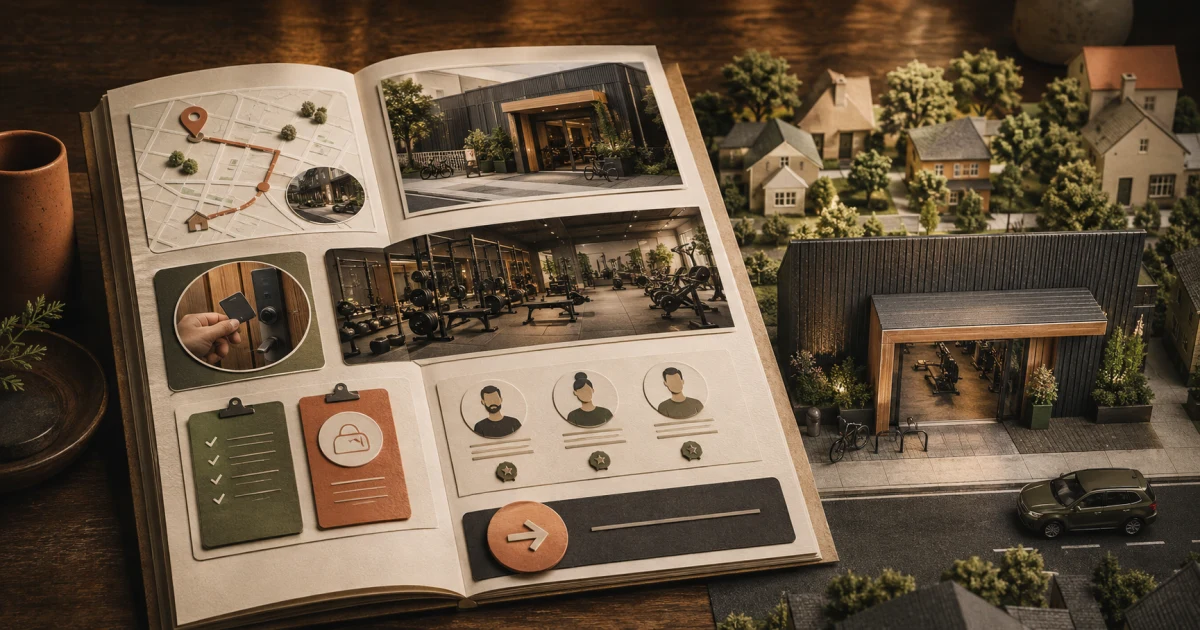
The highest-value photos often happen before the workout floor:
- street view from the likely approach;
- building frontage and permanent sign;
- parking, drop-off, cycle, or transit landmark where relevant;
- gate, lobby, lift, stairs, and floor marker;
- entrance and reception.
These images reduce failed visits and repeated directions calls. Match them with accurate text on the gym location page.
Show the facility as a decision, not a collage
Take one wide establishing image per meaningful zone, followed by details that answer a buying question. A strength prospect may need to see racks, platforms, plates, and spacing. A coached beginner may need to see a trainer interacting respectfully and a clear onboarding area. A parent may need current rules and facilities relevant to their visit.
Do not imply that one machine represents an entire zone. Do not hide broken or unavailable equipment through old photography. If the customer experience changes materially, update the image library.
Protect people and credibility
Create a written capture rule before the shoot:
- decide whether the scene can be photographed without recognisable members;
- obtain appropriate permission for identifiable people and the intended uses;
- give people a genuine way to decline without service consequences;
- avoid screens, forms, access logs, health notes, payment details, and conversations;
- do not photograph children without the necessary guardian and organisational approvals;
- record where consented assets may appear and when they expire;
- remove an asset from the approved library when its permission or accuracy ends.
A crowded class image is not more authentic if people did not agree to become marketing material.
Meet the platform baseline
For Google Business Profile, use supported JPG or PNG files within the current platform limits. Google currently recommends 720 by 720 pixels and sets a 250 by 250 minimum. It recommends images that are in focus, well lit, and not significantly altered or excessively filtered.
Those specifications do not replace composition. Keep important subjects away from edges where interfaces may crop them. Save an uncropped master, export channel-specific versions, and check the public result on phone and desktop.
Run a one-hour shoot without chaos
- Clean and safety-check every zone before photography.
- Make a numbered route through the facility.
- Capture landscape and portrait options for each priority scene.
- Take a truthful quiet-period view and, with permission, a normal active-period view.
- Record the file number beside the shot-list row.
- Reject blurred, misleading, duplicated, or privacy-risk images immediately.
- Add alt text or a description that communicates the useful content, not a list of keywords.
Score each image before publishing
Give one point for each yes:
- Does it answer a named prospect question?
- Is it current and geographically correct?
- Is the subject clear at small size?
- Does it represent normal reality?
- Are people and private information handled safely?
- Does it add information not already covered?
- Can the team identify an owner and refresh trigger?
An image with a low score does not earn a place merely because it looks energetic. There is no universal number of photos that guarantees local visibility.
Frequently asked questions
What photos should a gym add to Google Business Profile?
Show the real exterior, entrance route, reception, major training zones, representative equipment, trainers at work, relevant amenities, accessibility features, and current facility conditions. Choose images that answer visitor questions instead of chasing a fixed quota.
How many photos does a gym need?
There is no universal Google ranking quota. Cover each important prospect question with at least one accurate, useful image, then replace or add images when the facility, team, access route, equipment, or customer experience materially changes.
Can a gym post member photos without permission?
A gym should not assume that attendance is permission for marketing use. Establish an appropriate permission process for recognisable people, explain the intended uses, protect private information, and apply the local legal requirements that govern the gym.