The import says 842 members. The old system says 847. Both files open successfully, but nobody knows which five disappeared. A completed upload is not a completed migration.
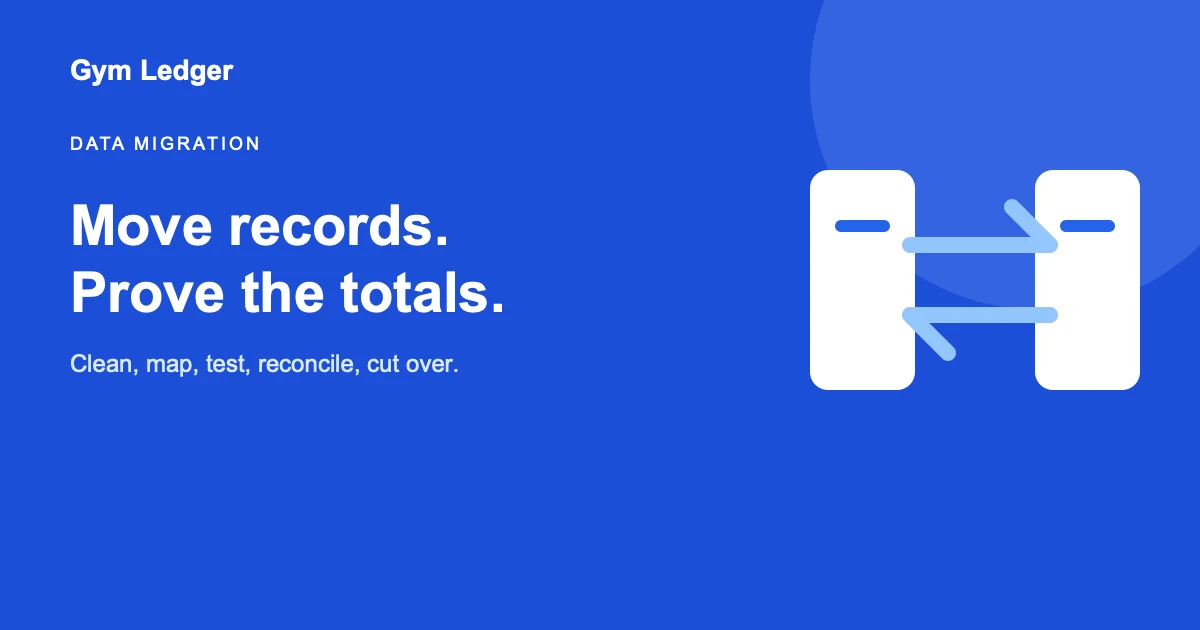
To migrate gym data safely, inventory and clean the source, map every field, test a small import, reconcile operational and financial totals, train staff, control the cutover, validate again, and retain a protected archive.
The short answer: Define what “correct” means before moving data, and assign a person to prove it afterward.
Decide the migration scope
Prioritize records needed to operate on day one: active and frozen memberships, approaching expiries, genuine balances, recent payments and receipts, staff access, current leads, and relevant attendance or coaching context.
Historical data should move when it serves a legal, financial, support, or analysis purpose. Bad old data does not become useful because it entered a new system.
Build a field map
Map each source field to the destination, format, allowed values, owner, and fallback. Pay special attention to member identifiers, dates, currency, phone country codes, status, payment method, balance, plan, tax, and staff roles.
Document transformations. If “paused,” “hold,” and “freeze” become one status, record that decision.
Clean without hiding uncertainty
Normalize formats and identify duplicates, but do not merge people on name alone. Separate invalid contacts, impossible dates, negative balances, and unclear memberships into an exception list for human review.
Keep the original export immutable. Perform cleanup on a controlled working copy.
Test and reconcile
Import a representative sample containing active, expired, frozen, due, partial-payment, duplicate, and unusual records. Confirm exact counts and totals by category, then inspect individual histories.
Reconcile:
- Members by status and plan.
- Active, frozen, expired, and future memberships.
- Total genuine dues and recent collections.
- Payment methods, receipt identifiers, and tax fields.
- Attendance and lead counts for chosen periods.
- Staff accounts and permissions.
Plan the cutover
Choose a short change-free window, announce responsibilities, take final exports, import the approved dataset, reconcile, and release access by role. Define rollback conditions before the migration begins.
Keep the old system read-only where contracts permit until verification and retention needs are satisfied. Protect exports with limited access and a deletion schedule.
Gym Ledger migration boundary
Gym Ledger does not currently provide self-service bulk member import. Members are added through the app, while member lists, payments, and reports can be exported. A large gym should confirm available onboarding assistance and effort before selecting it.
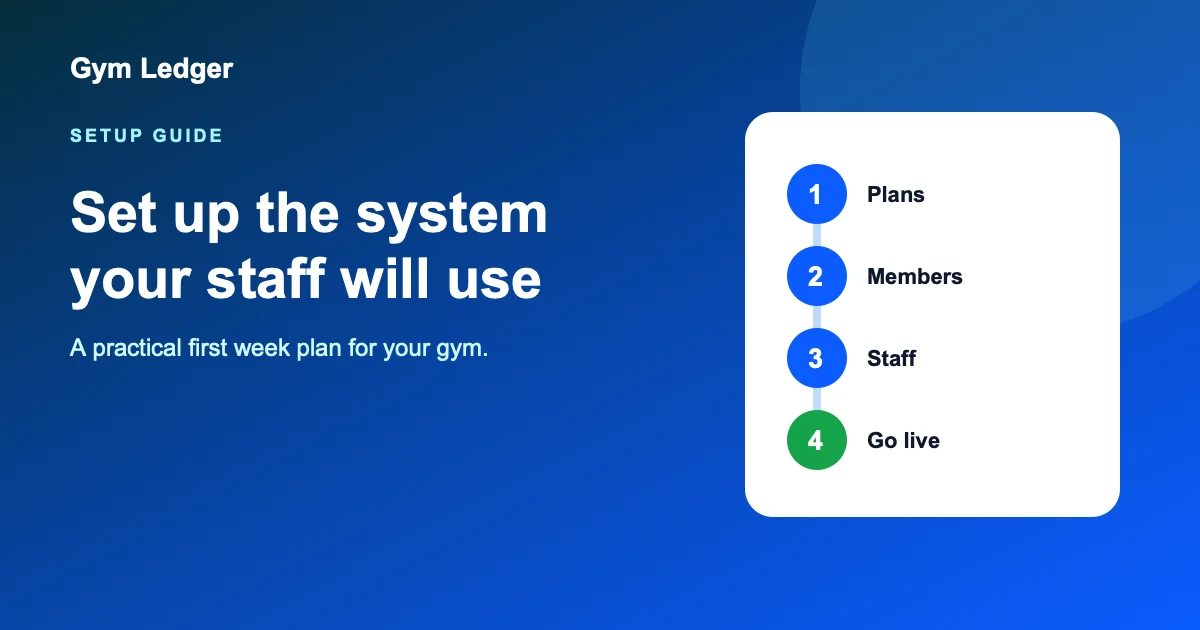
For a small gym moving from paper, a clean active-member setup may be safer than recreating every historic row. Follow the first-week setup plan and the register migration guide.
Frequently asked questions
How do I migrate gym data to new software?
Inventory the source, clean and map fields, export a protected copy, test a small import, reconcile counts and money, train staff, freeze changes for cutover, validate again, and retain a controlled archive.
What gym data should be migrated?
Prioritize active and frozen memberships, approaching expiries, genuine dues, recent payment and receipt history, staff access, current leads, attendance needed for operations, and legally required records.
Should I migrate every former gym member?
Not automatically. Historical data should move only when it has a lawful, useful purpose and adequate quality. Otherwise retain a protected archive for the required period and migrate the active operating set.
Can I bulk import members into Gym Ledger?
Gym Ledger does not currently provide self-service bulk import. Members are added in the app, while member lists and reports can be exported. Confirm onboarding assistance before planning a large migration.